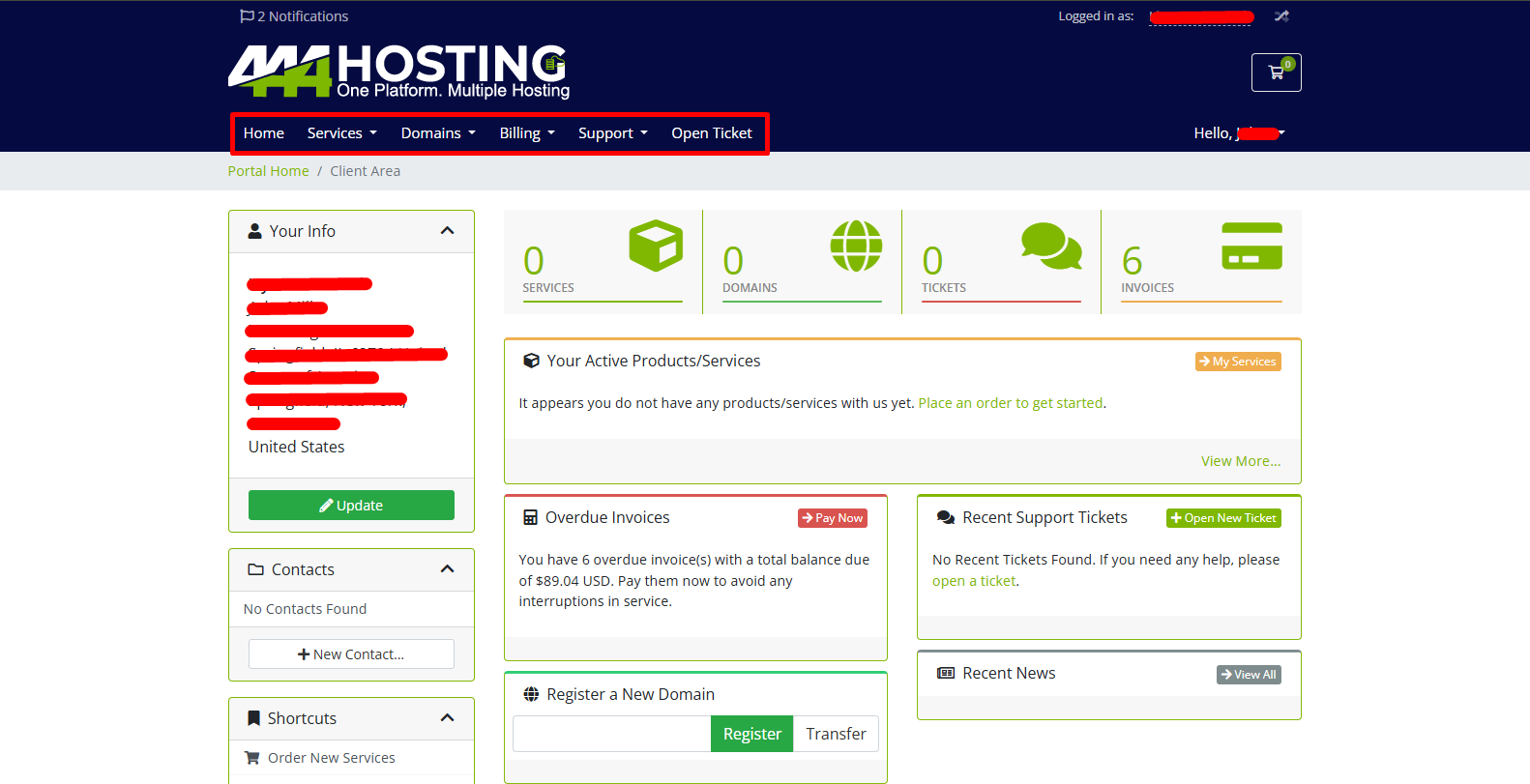
The Client Area at 444 Hosting is your main hub for managing all your hosting services, domains, and account details. Here, you can easily access your active services, view and pay invoices, manage your domains, and get support. It provides a simple dashboard where everything you need to manage your web hosting is organized in one place, making it easy to keep track of your account and services.
To provide a detailed guide on the overview of the Client Area at 444 Hosting, follow these steps:
1. How to Create an Account on 444 Hosting Client Area:
• Visit the Client Area:
Go to the 444 Hosting Services Website by here: 444 Hosting
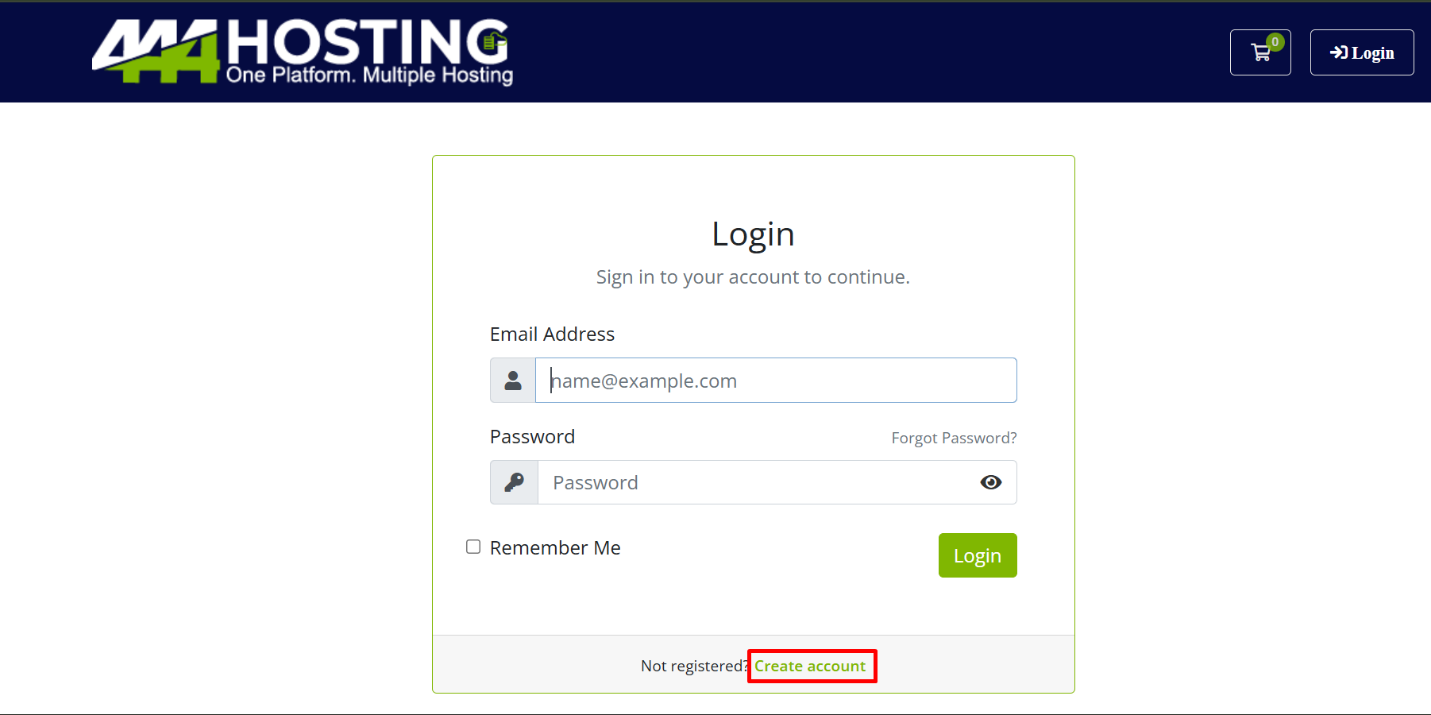
• Click on “Login” button on the right-side-bar
Choose “Create account” button. Click on it to start the account creation process.
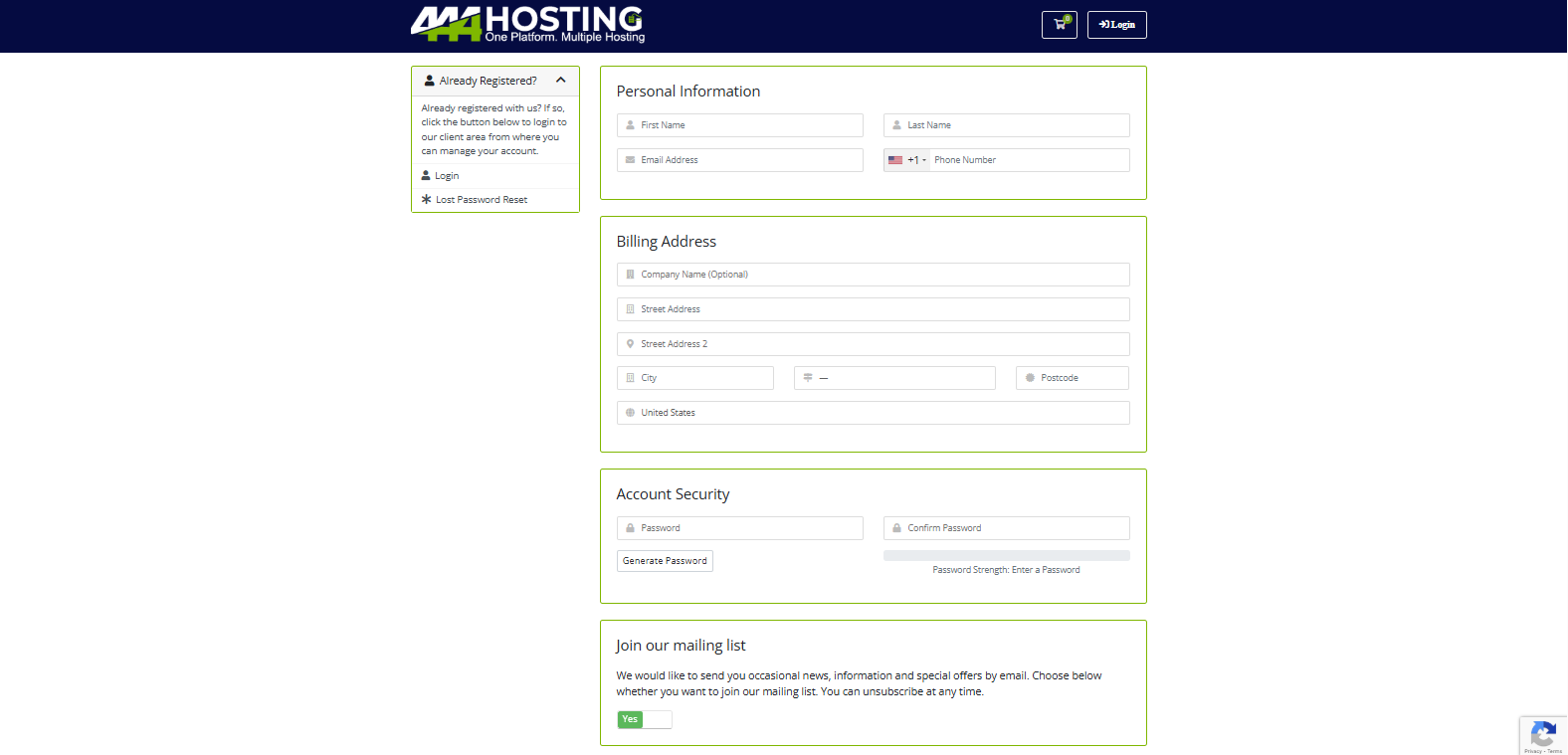
Fill in Your Details
You will be prompted to enter your information, including:
– First Name
– Last Name
– Email Address
– Phone Number
– Billing Address (Street, City, State, Postcode, Country)
– Password (and confirm password)
• Agree to the Terms
Read and agree to the terms of service by checking the box.
• Submit
Once all details are filled in, click on the “Register” button to complete your account creation.
• Confirmation
After registering, you will receive a confirmation email. Follow the instructions in the email to verify your account.
You can now log in and start managing your services from the Client Area!
2 . Accessing the Client Area
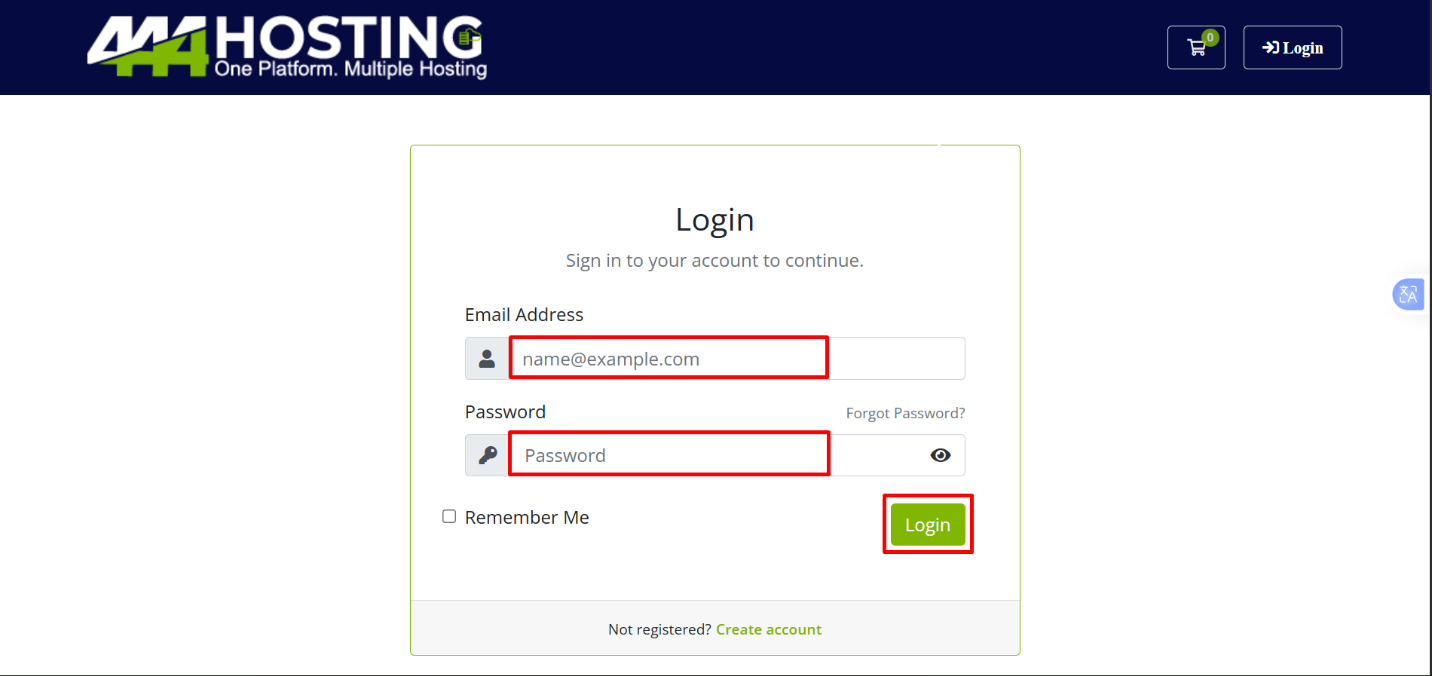
– Go to this URL:
[https://my.444hosting.com/clientarea.php]
– Login: Enter your email address and password associated with your account to log in.
Client Area Dashboard Overview
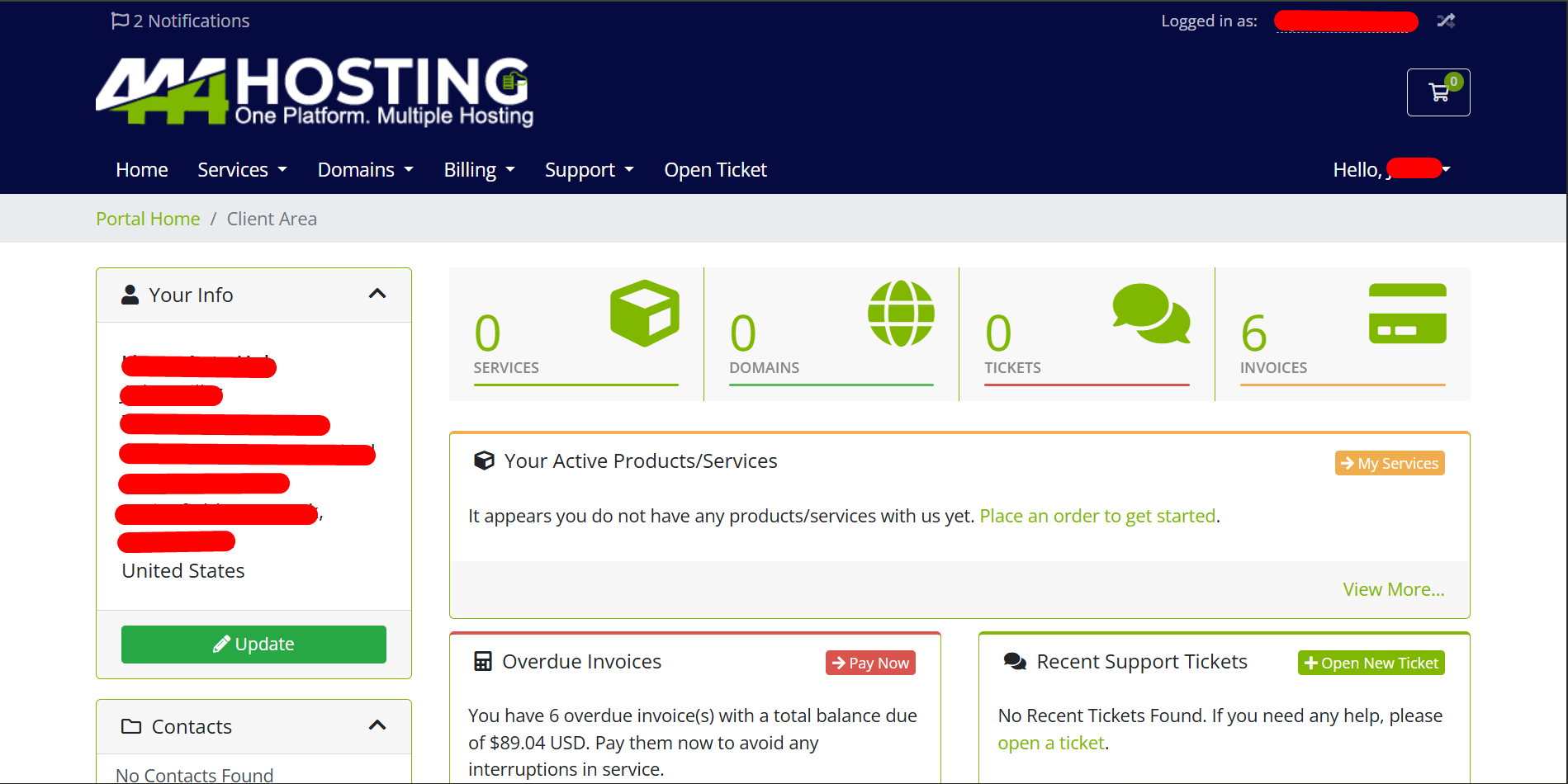
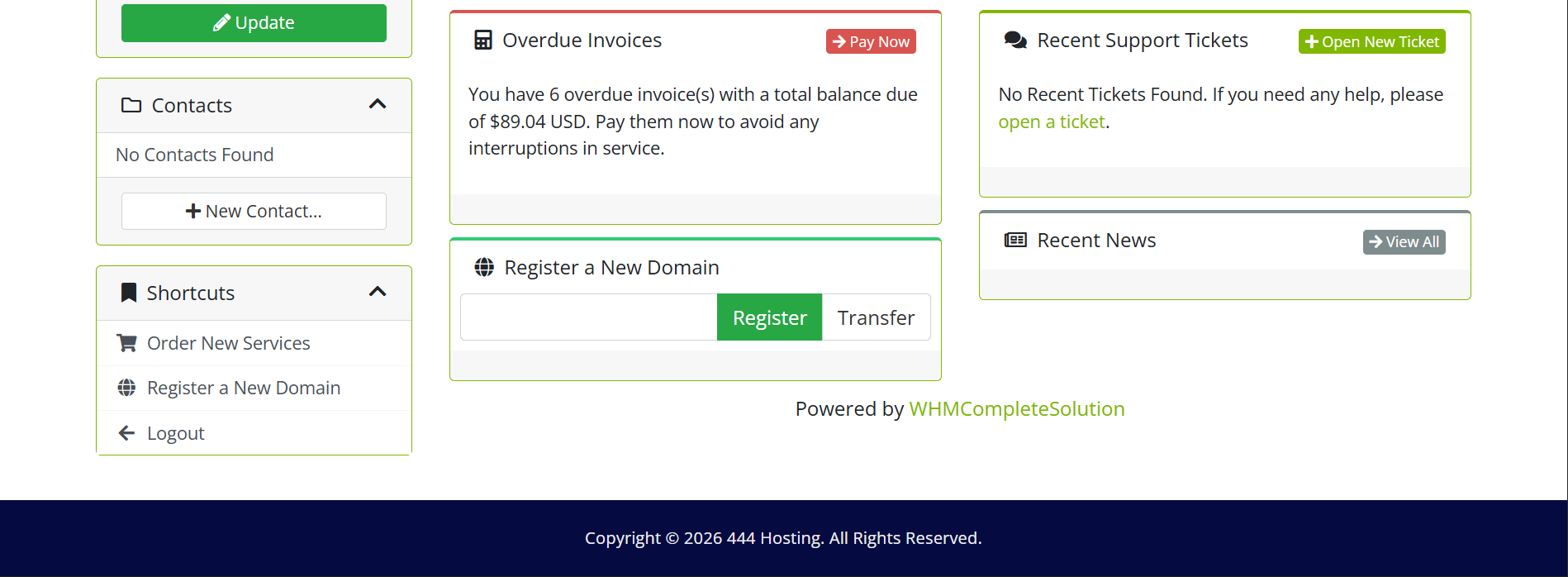
After logging in, you’ll be directed to the main dashboard, which gives you an overview of your account. Key sections of the dashboard include:
– Your Info Section :
Displays your name and account details, along with quick links to commonly used features.
– Account Overview :
· My Services : View the total number of active services such as hosting accounts, VPS, and domain registrations.
· My Domains: Displays your active domains, their renewal dates, and statuses.
· My Tickets : Shows open support tickets and their statuses.
· Invoices : Overview of your unpaid, paid, or overdue invoices.
– Announcements :
Important updates and news from 444 Hosting, including service maintenance schedules and new features.
Navigation Menu
On the left-hand side or top of the screen, you’ll see a navigation menu with various options to manage your account: