Step 1: Log in to cPanel
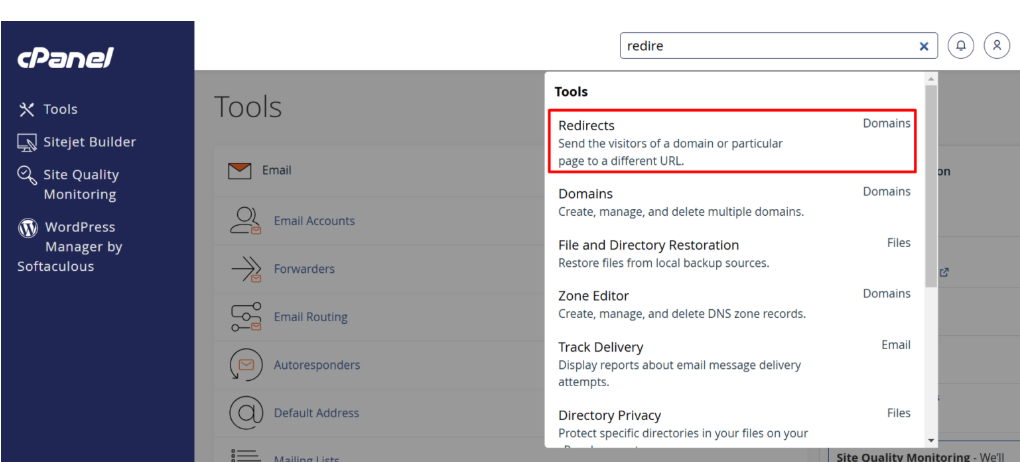
Step 2: Locate the Redirects Tool
Step 3: Configure the Redirect
1. Choose Redirect Type:
- Permanent (301) – Recommended for SEO, tells search engines the redirect is permanent.
- Temporary (302) – Used for short-term redirects.
2. Select the Domain:
- If you have multiple domains, select the domain you want to redirect from the dropdown.
3. Enter the Destination URL:
- Type the full URL of the destination where you want visitors to be redirected
4. Choose “www.” Redirection Option:
- Redirect with or without www. – Redirects all visitors, recommended for most cases.
Step 4: Save the Redirect
- Click the “Add” button.
Your redirect is now active.