First logging to website via the site link https://444hosting.com/
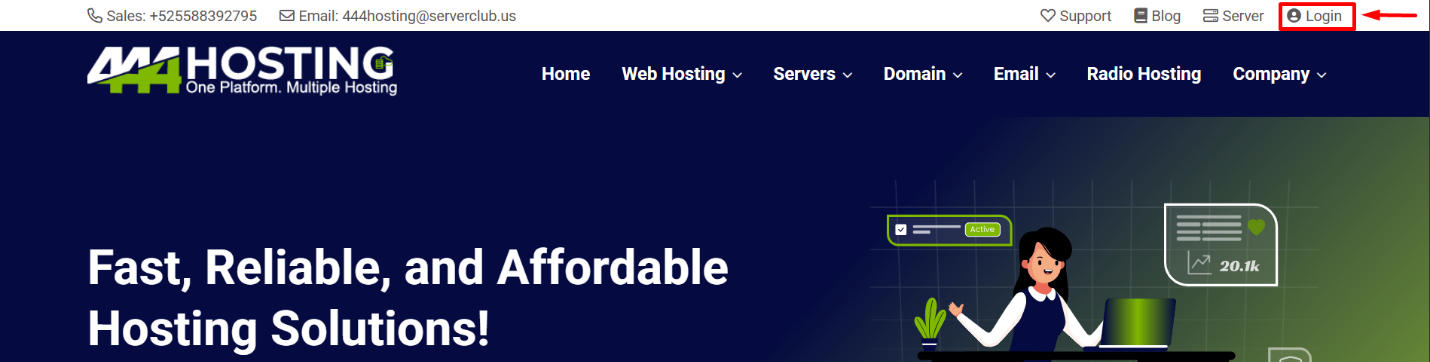
1. Go to “Login” button on the right-side bar.
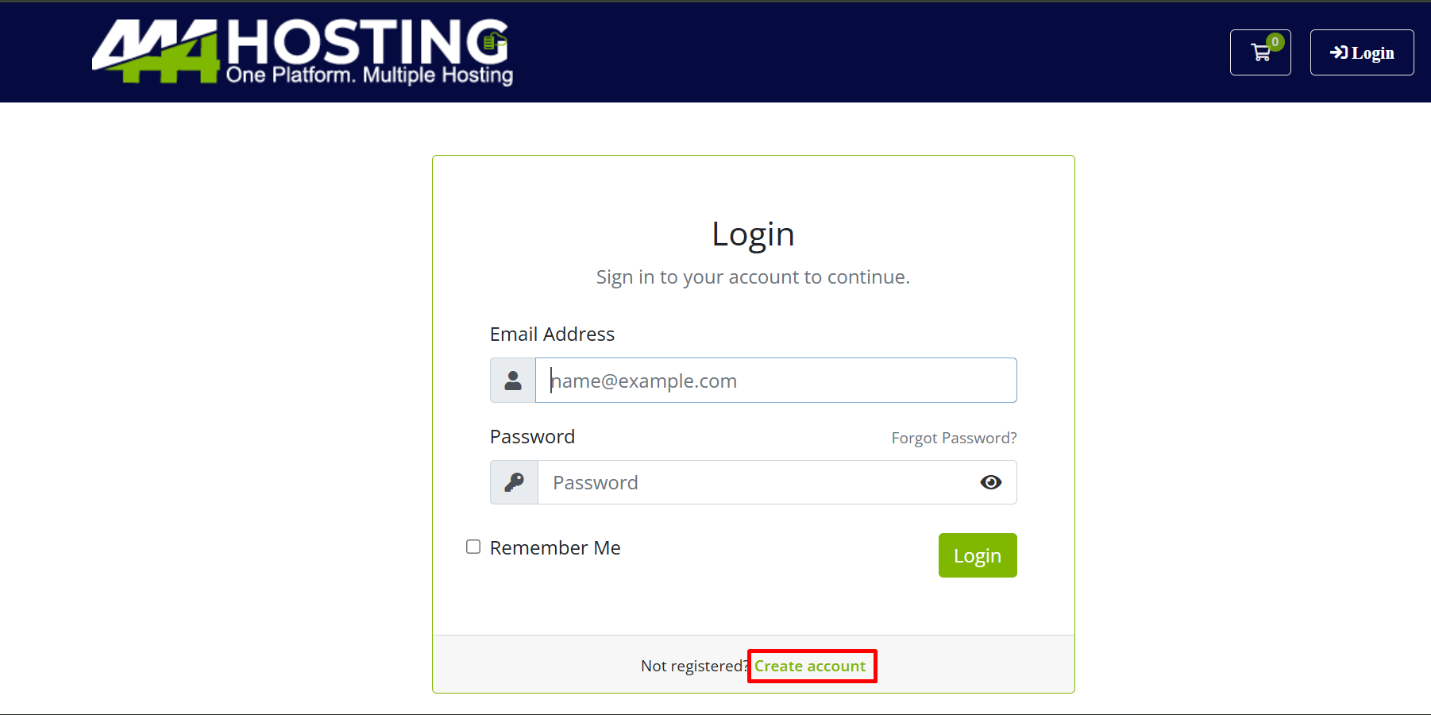
2. Click button and choose “create account”
3. Open that window and fill in the fields with using your personal details. Such as name, address, mobile no, region, working email and etc…
• Create or generate a strong password for your account privacy.
• After filling the details click on register button and then you will register.
• Now you have to get account verification email on your mail box.
• Click and verify the email.
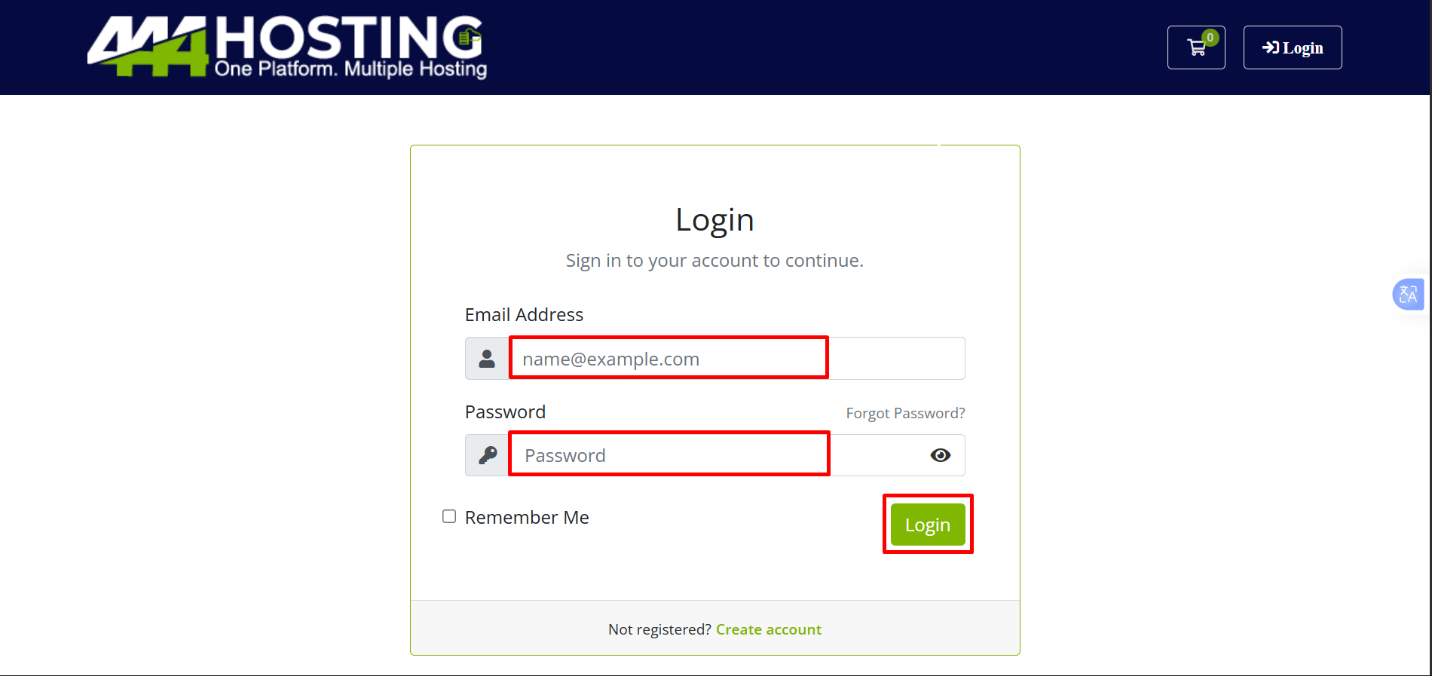
4. Now you can login to your account with using email and your password.
• Enter login details and click on “Login” button.
5. Now you are on your client area.
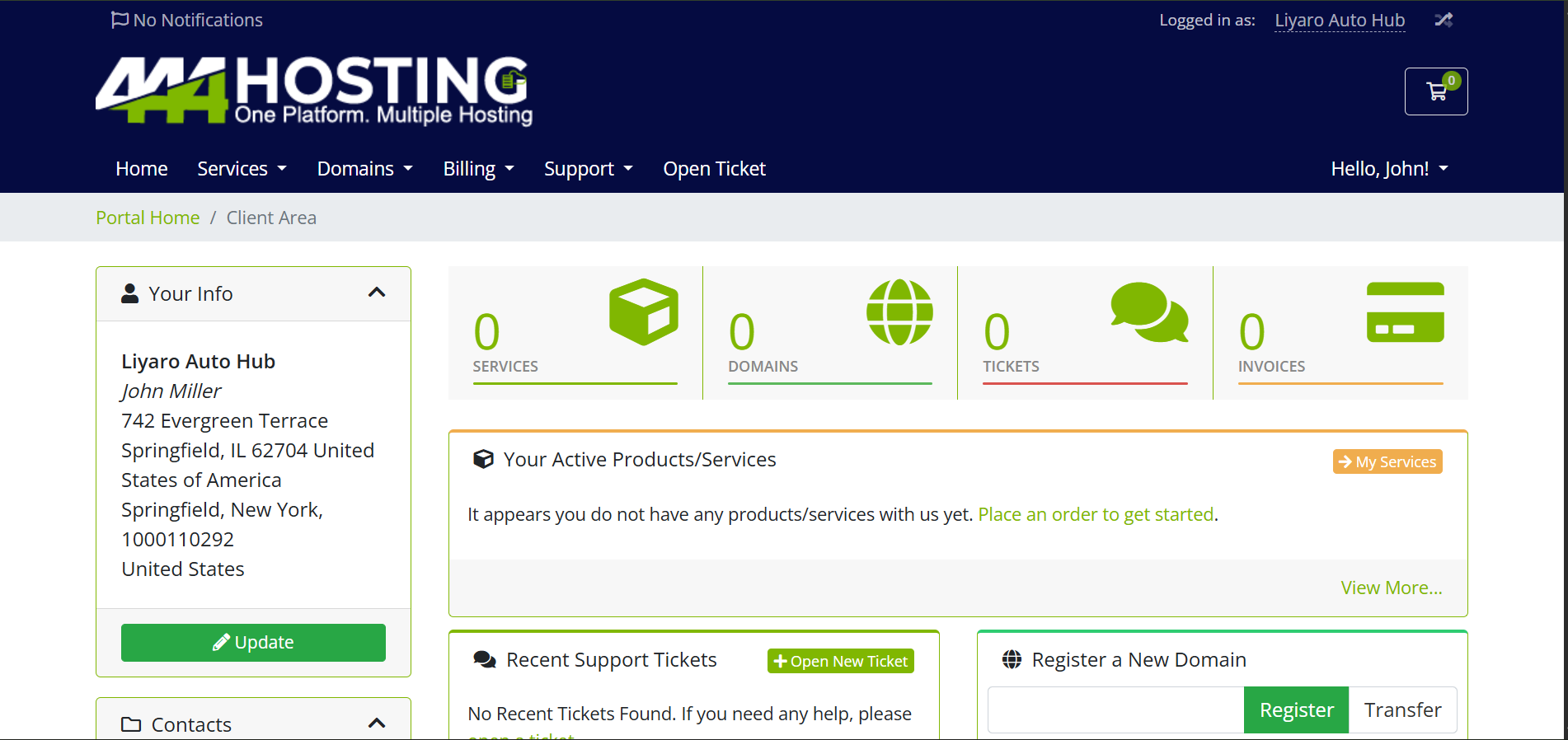
This is your client area.
Done!