NOTE: After the DNS propagation for your domain, the SSL certificate will be issued automatically. Then, enable Force HTTPS Redirect in cPanel to make sure all visitors are redirected to the secure HTTPS version of your website
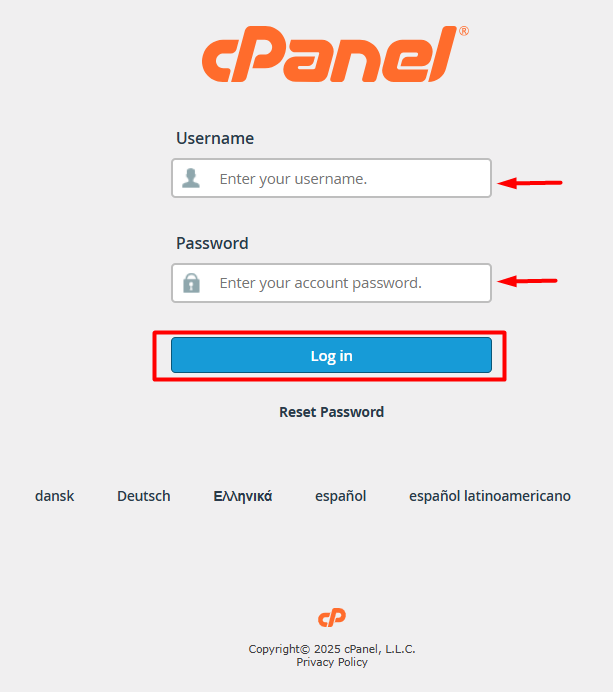
1. Go to your cPanel login page.
1. Enter your username and password, then click Log In.
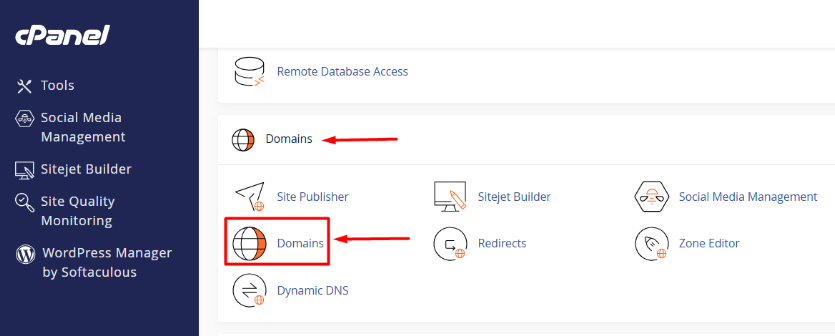
2. Scroll down to the Domains section or Search Domains in the search tool. (click on the upper right-hand corner)
1. Click the Domains icon.
3. Find the domain for which you want to enable the HTTPS redirect.
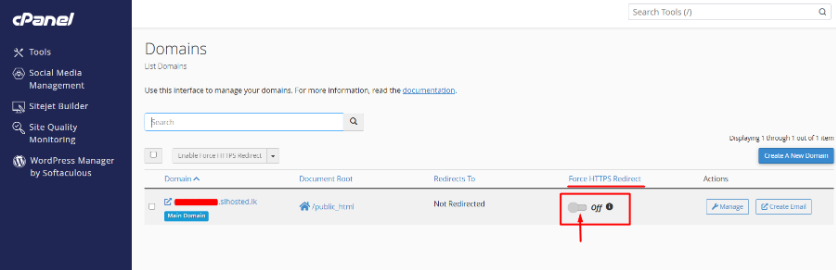
4. Toggle “Force HTTPS Redirect” to “On.”. (Click it to enable the redirect.)
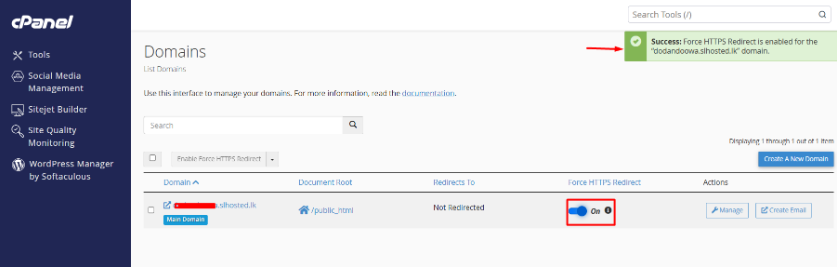
Once Force HTTPS Redirect is enabled, clear your browser cache and reload the website to verify that it is now being served securely over HTTPS.