In this tutorial, we are going to show the procedure that you should follow, if you want to send us a ticket for billing, support, sales or regarding other issues.
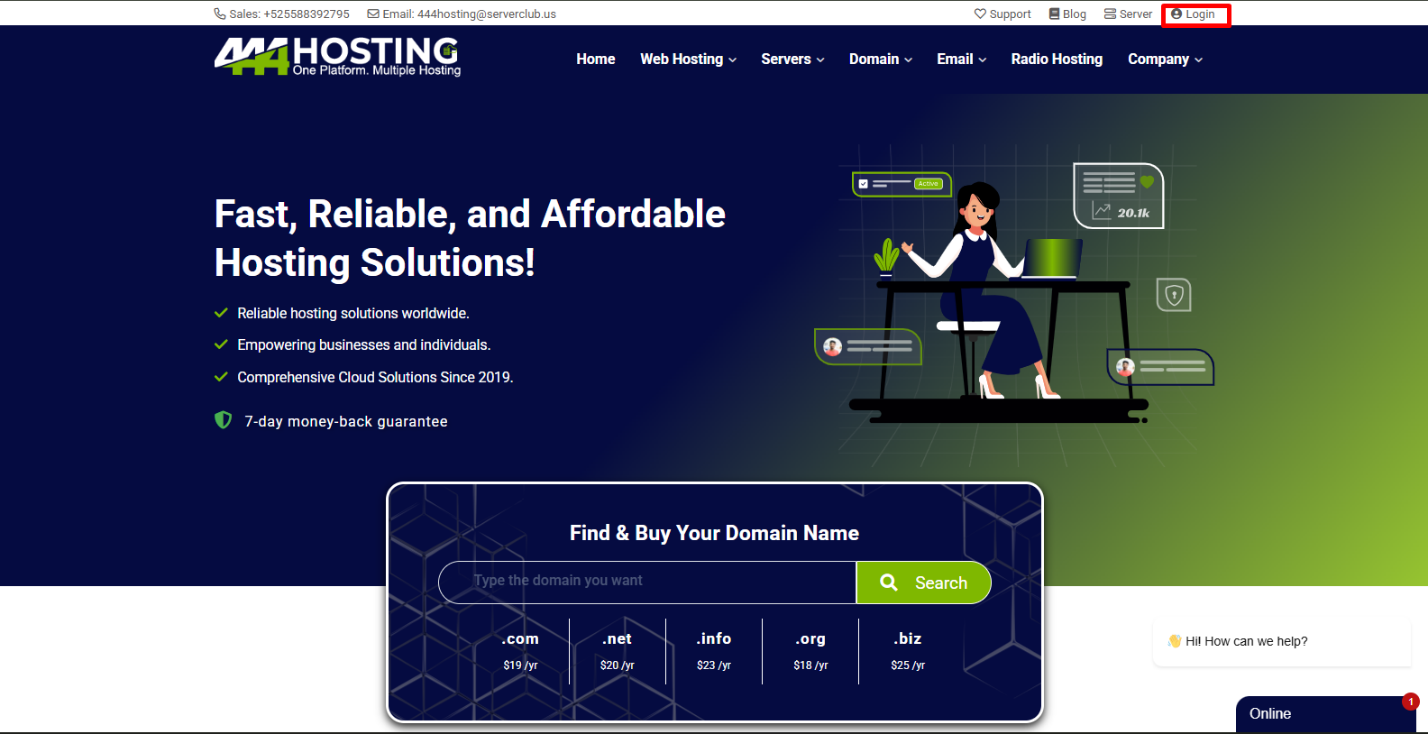
1 – Login to your 444Hosting account
using https://my.444hosting.com/clientarea.php
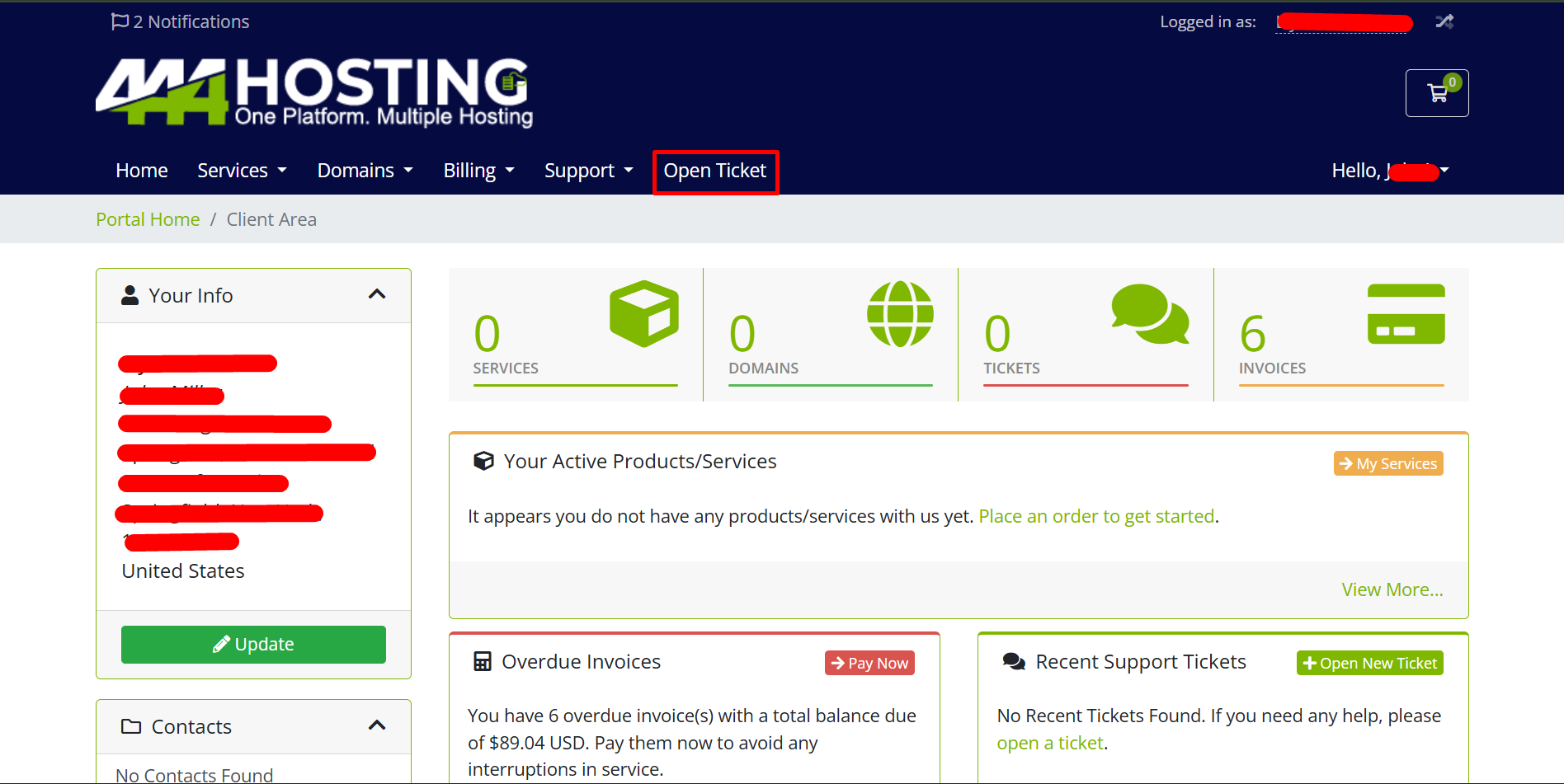
2 – Go to the “Home > Open New Ticket” or click on “Open Ticket”.
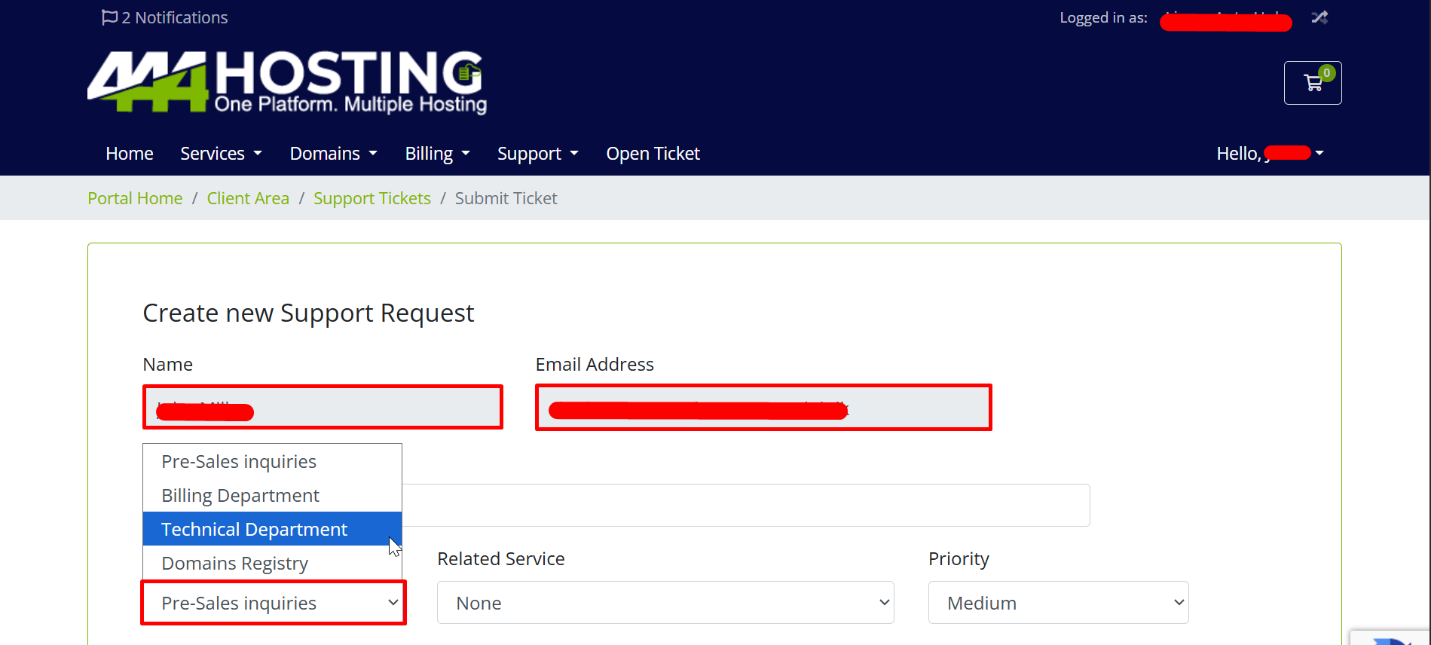
03. Support ticket options
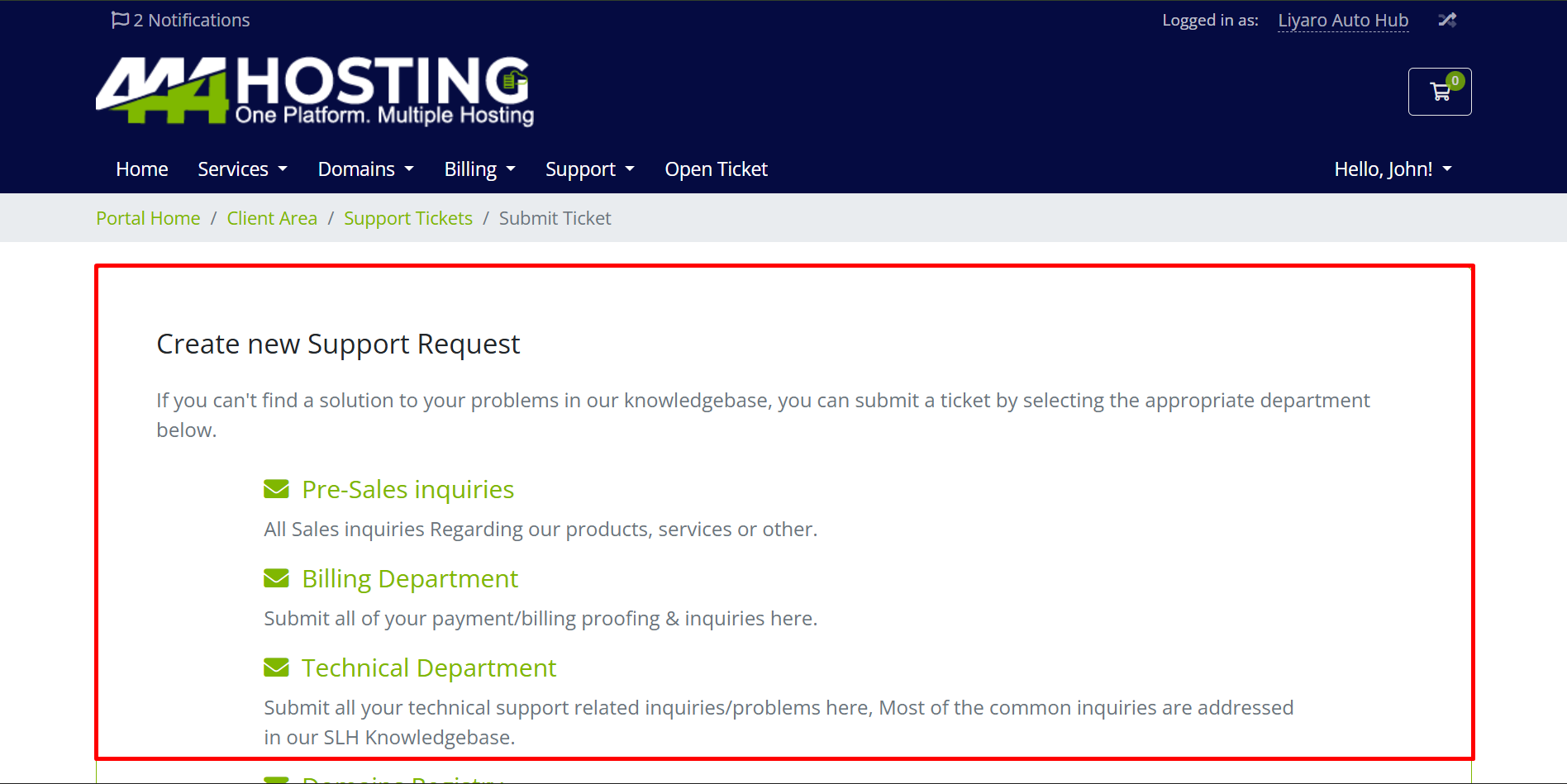
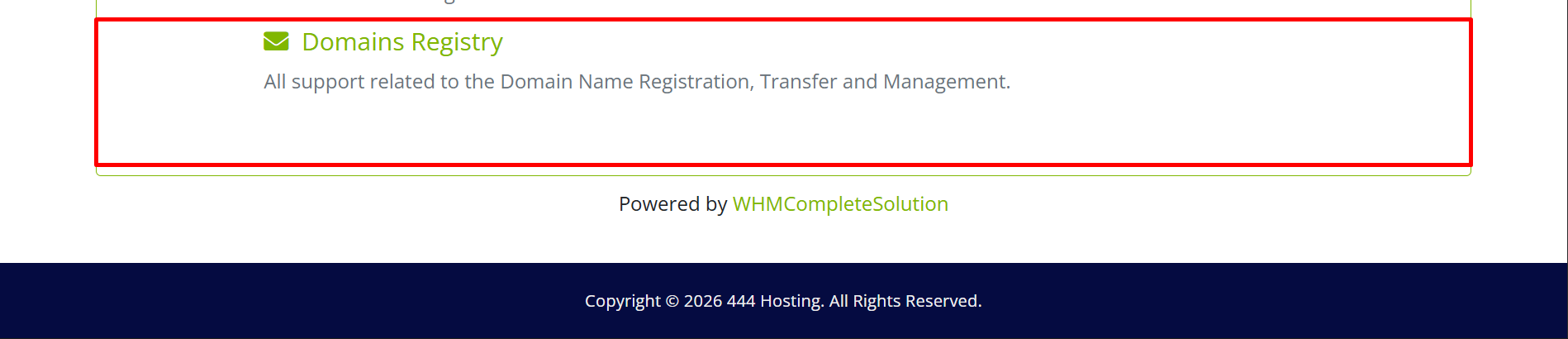
- Pre-sales inquiries
o If you have any inquiries before you buy the product go to the Pre-Sales inquiries - Billing department
o If you have any problem with your invoices, or you have selected the offline payment method and you need to send the payment proof go to the billing department - Technical department
o If you have any technical problem open a support ticket with explaining the problem. you can even upload Screnshot for exaplain the problem.
04. Submitting a support ticket
- Subject: State your problem in brief
- Department: Select the appropriate department
- Related Service: If you need support for a specific service, please select it
- Priority: set your priorities
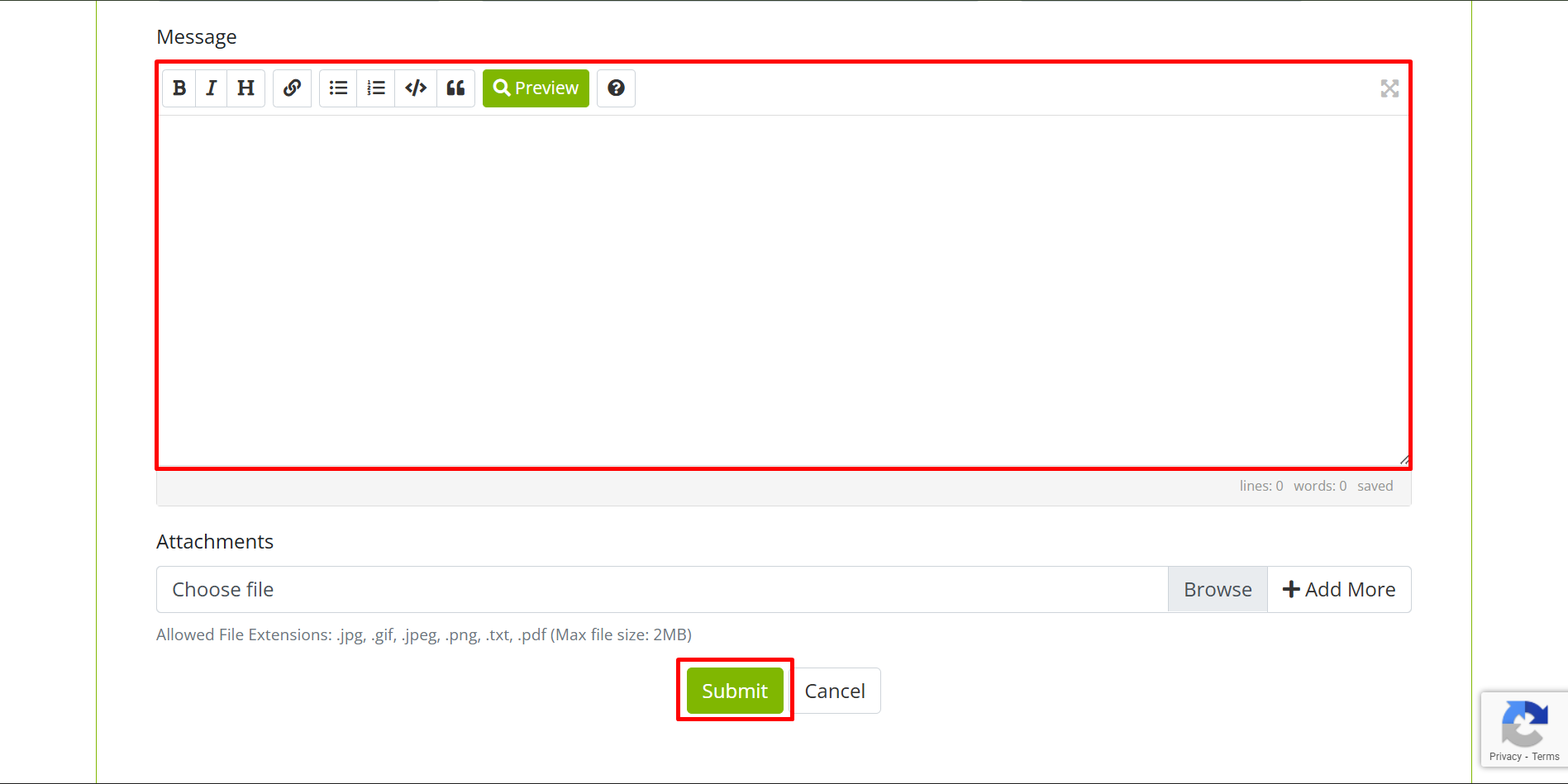
- Message: Type your message here
- Attachments: attached clear and pointed screenshots/documents
Finally submit your ticket.
5 – Visit the “Support > Tickets” section of the Client area’s Main Menu to follow the progress of your ticket and see all of the messages which you have received. You can also return to the homepage to see the state of your tickets and access them.