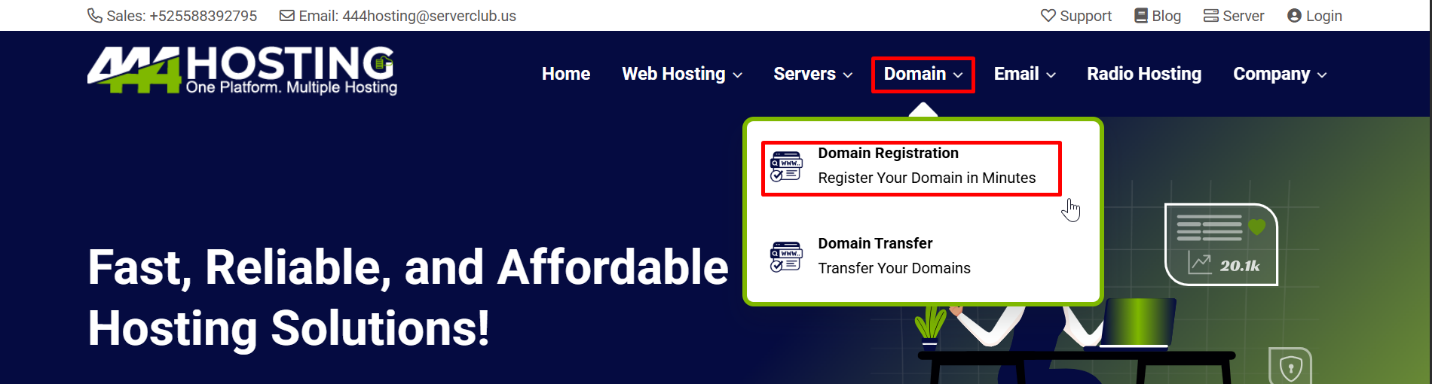
1. First go to “Domain” section and select “domain registration.”
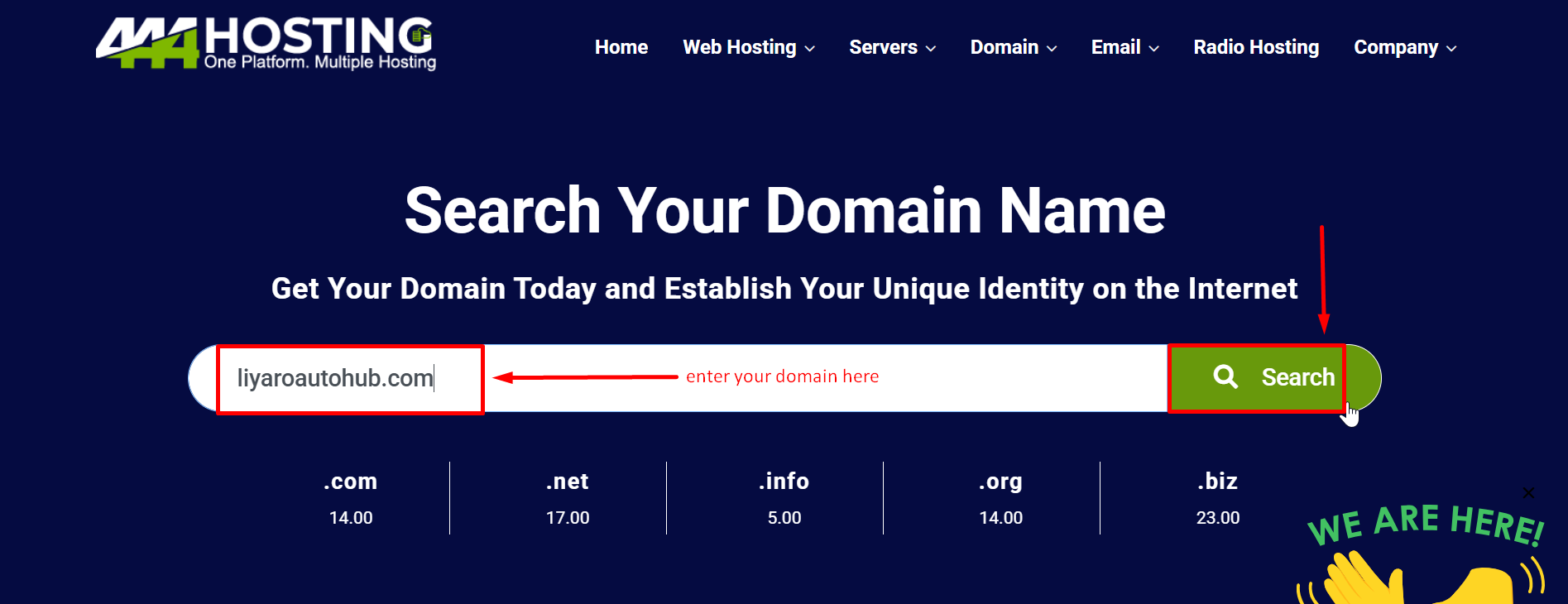
2. Search domain name that you want to buy and check that it is available.
- If the domain is available, then you can show it.
- You can choose .com/.info/.net and etc…
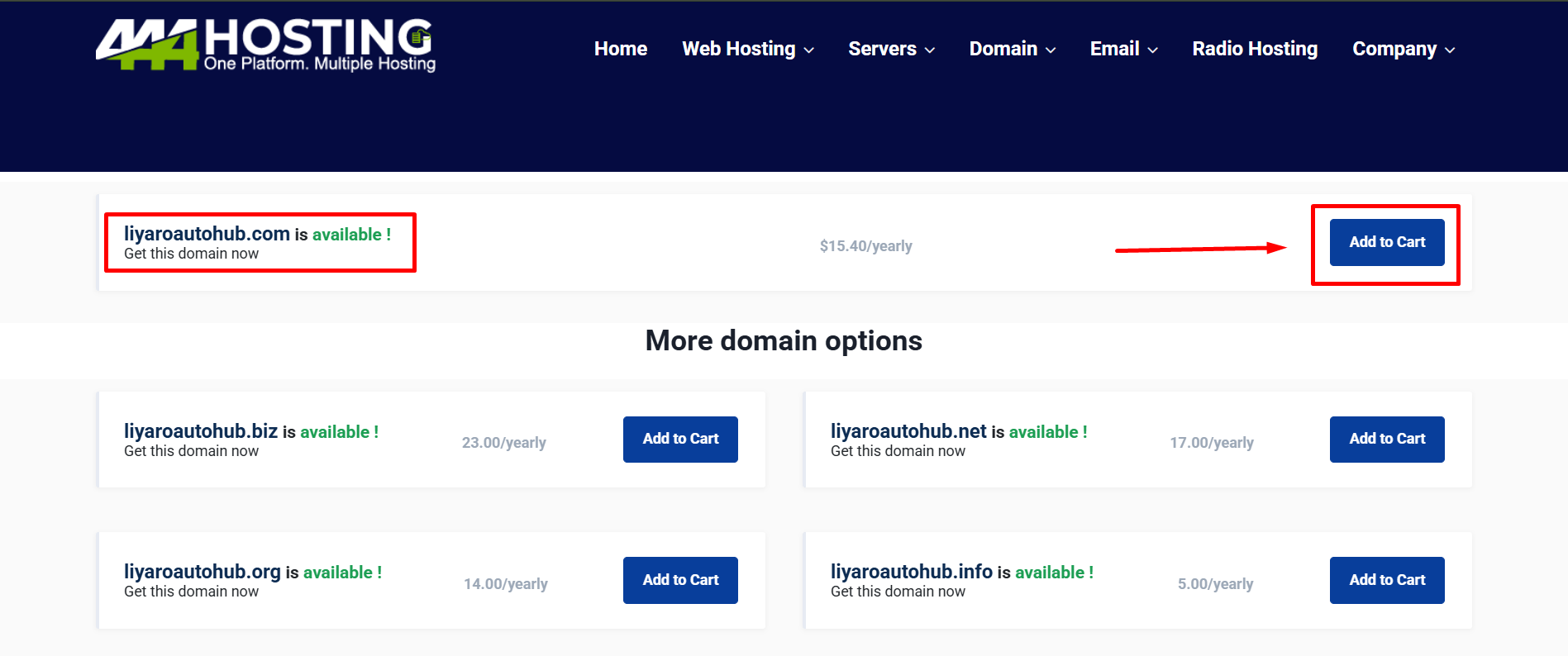
If your domain is available, you can buy the domain.
- Click “Add to cart” button to continue registration.
Now you can select any addons that are available for your domain and as your needs.
- We offer some addons free for one year.
- Can you select offers as your needs.
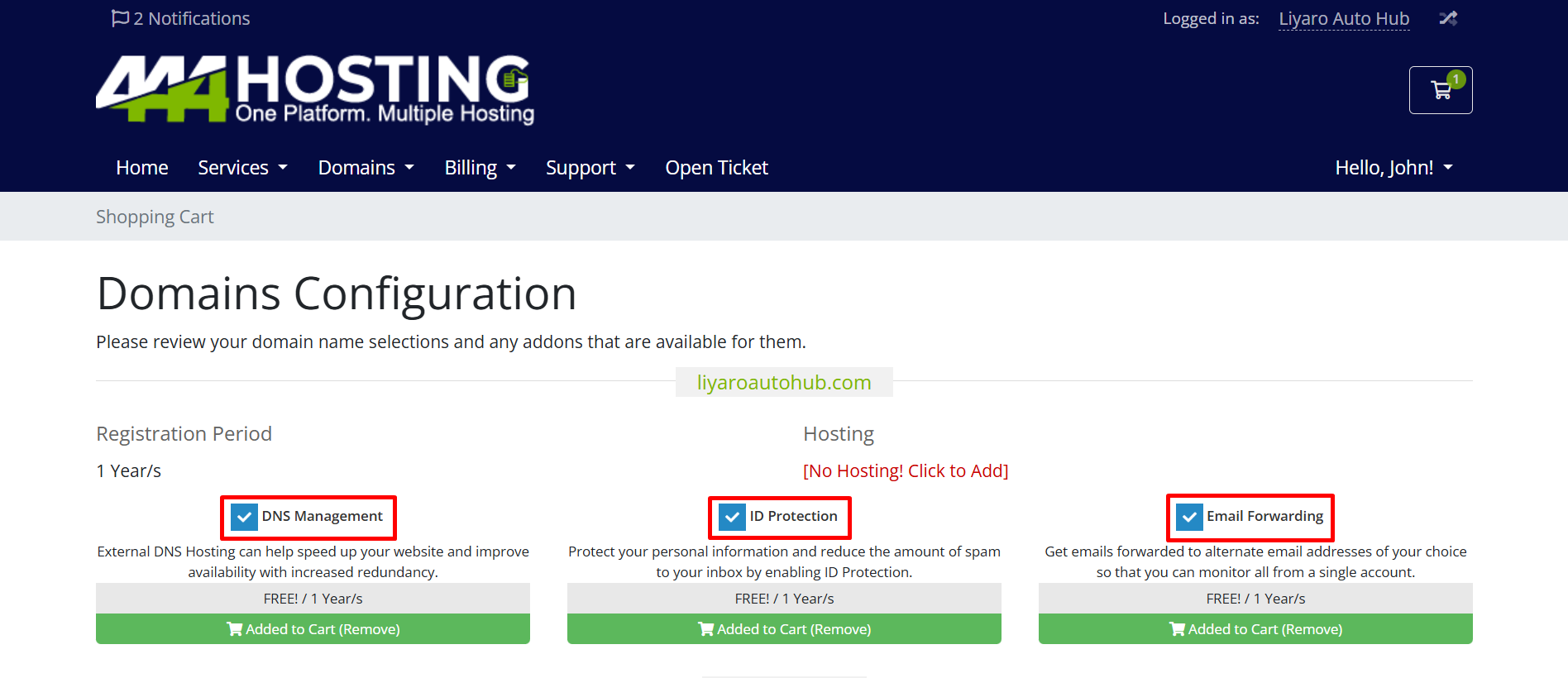
- After select addons you can click on “continue” button.
3. Now you are in the review & checkout window.
- Check again domain name, that is correct and click “checkout” button.
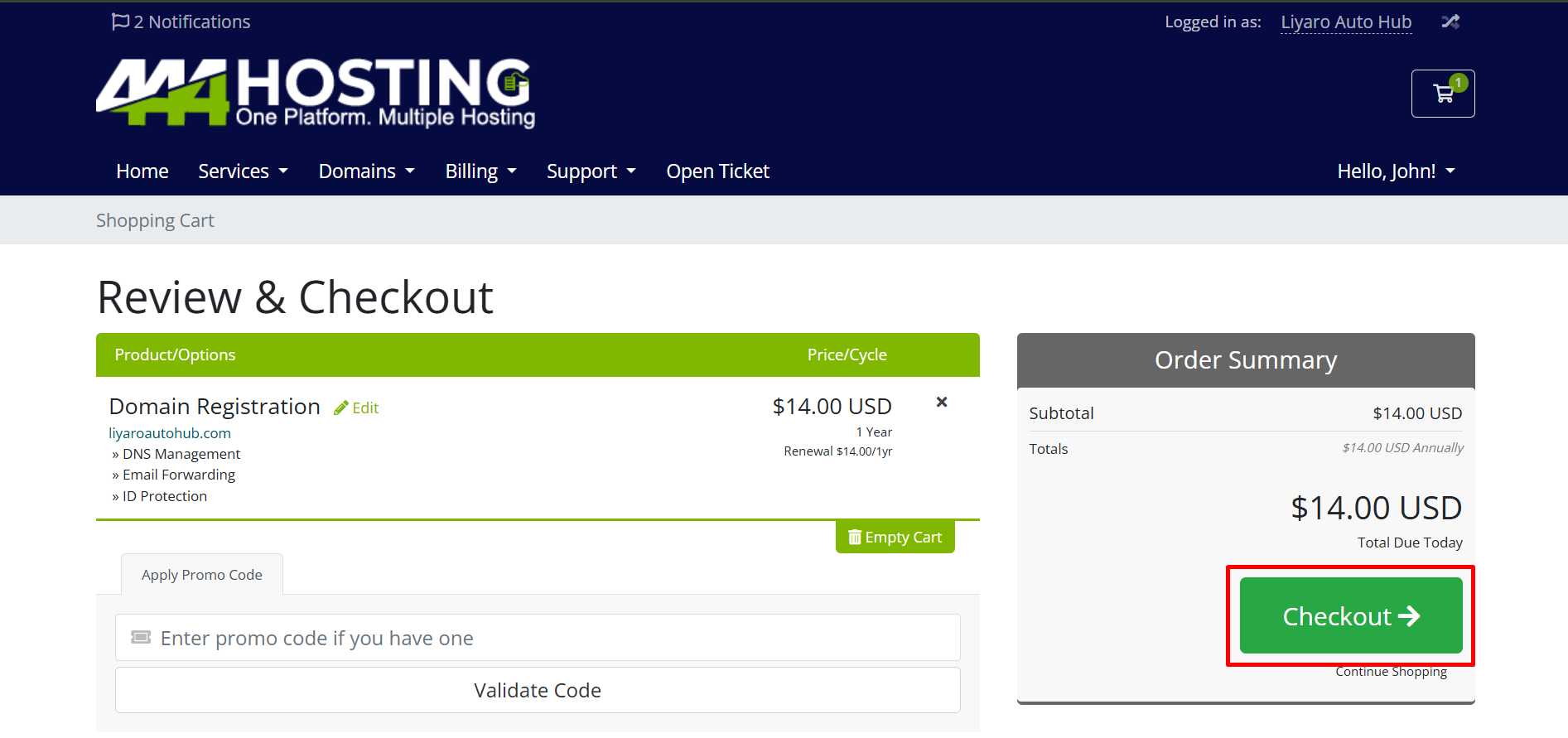
4. Now you are in checkout window.
- You can choose your account and your preferred payment method.
- Add a tick on have read and agree to the Terms of Service field.
- Click in “complete order” button.
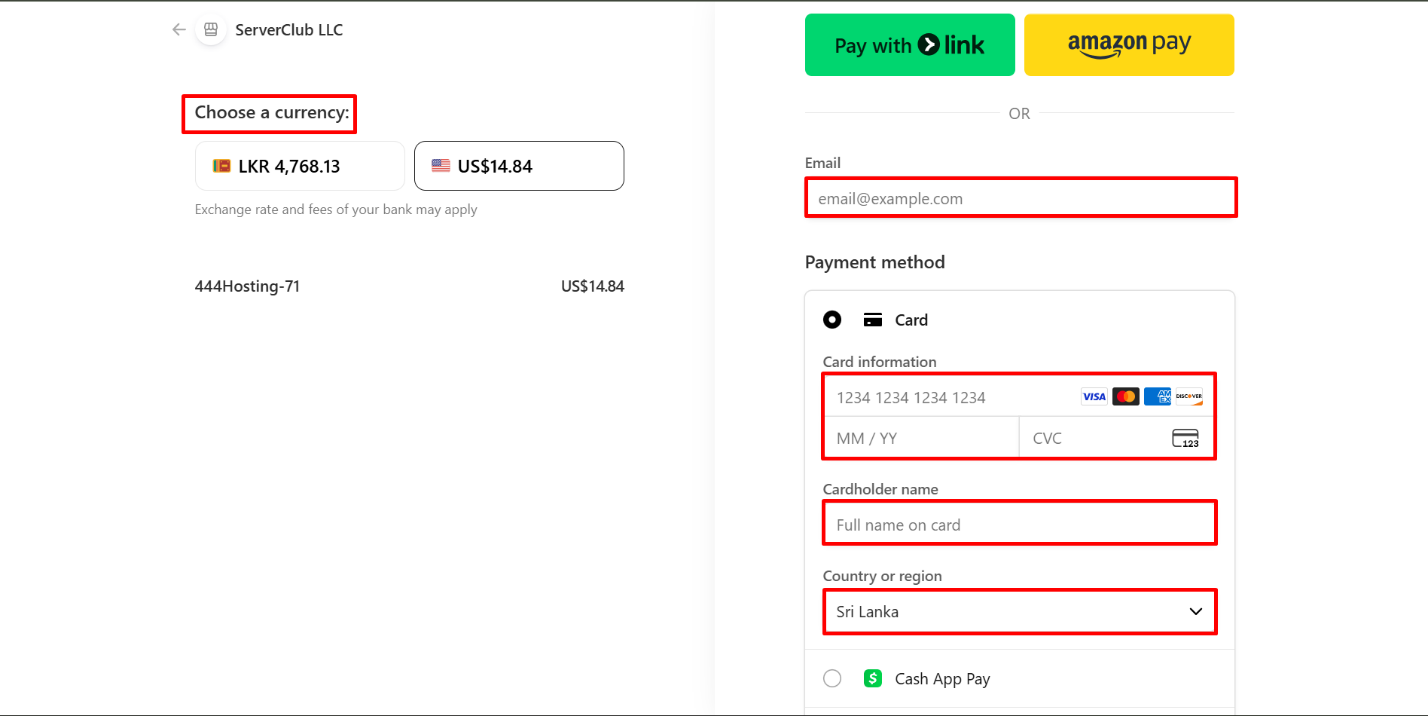
5. Now you are in the payment window.
- Choose your currency first.
- Add your email and payment details(card details)
- Select country and region.
- Check payment details again and click “pay” button.
- It takes some times and you received mail about domain status.