Step 01: Login your client area.
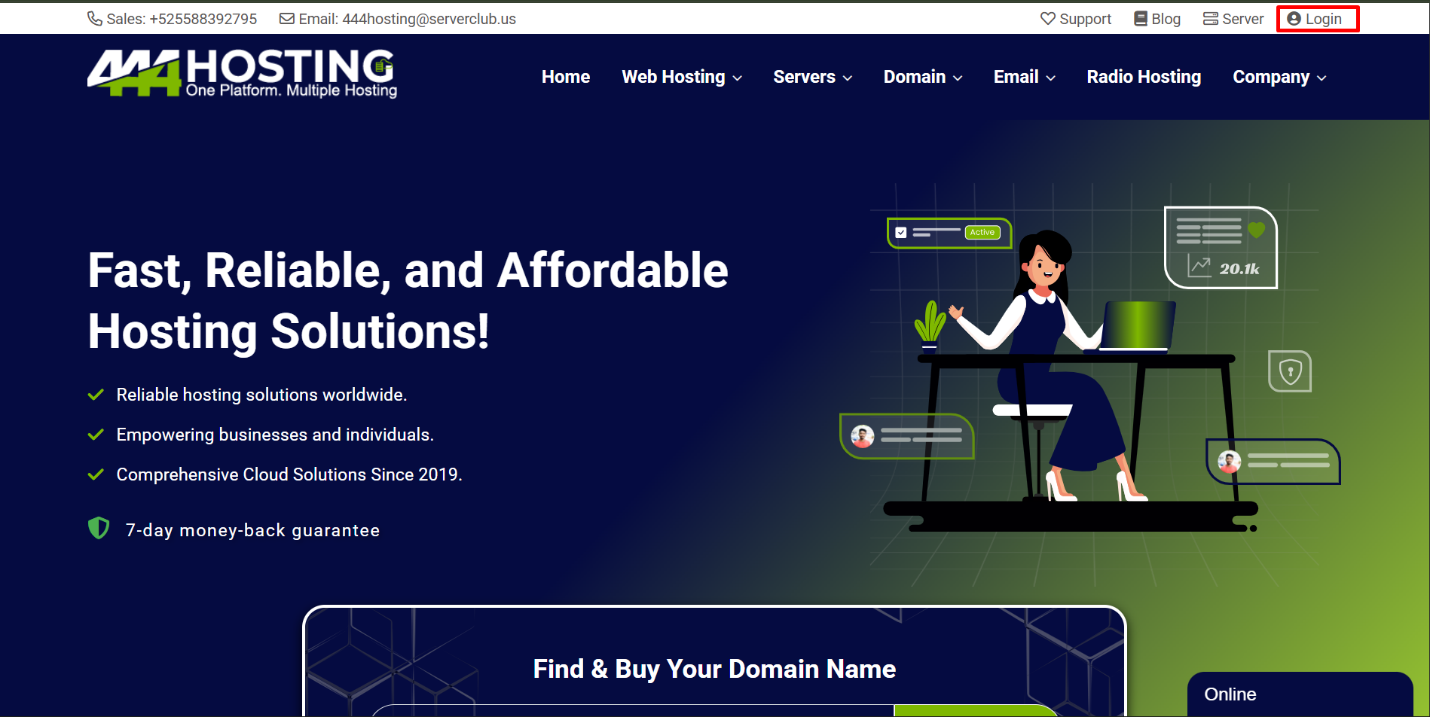
Login your client area account using: https://my.444hosting.com/clientarea.php
Step 02: Go to invoice.
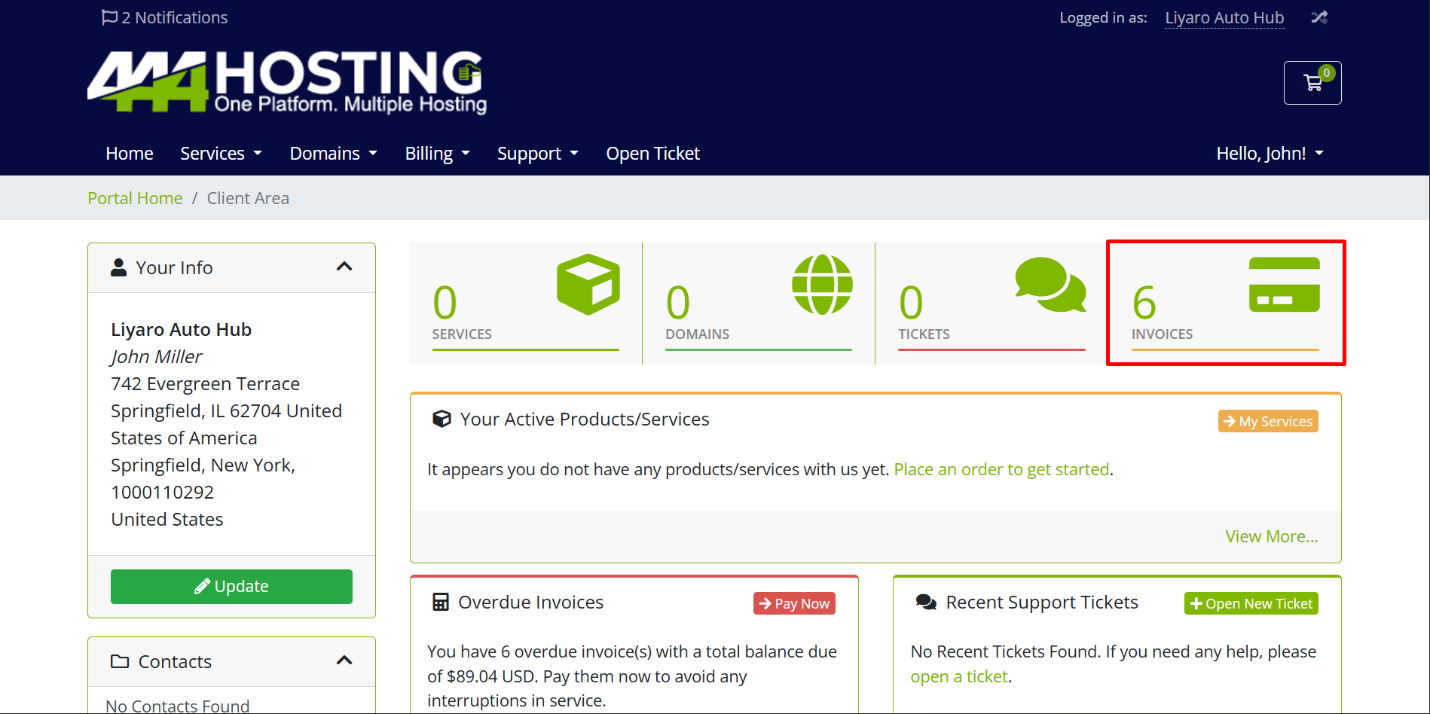
Step 03:
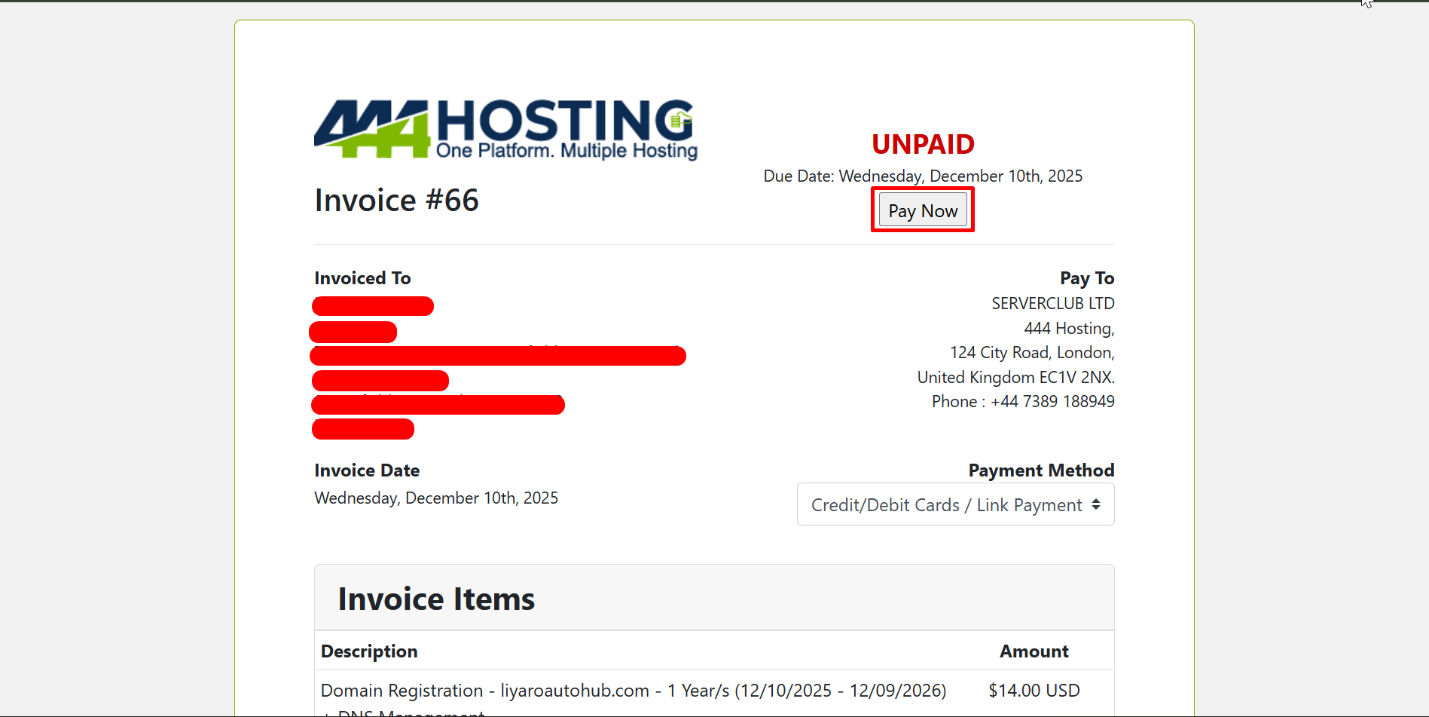
Select unpaid invoice or pay all option.
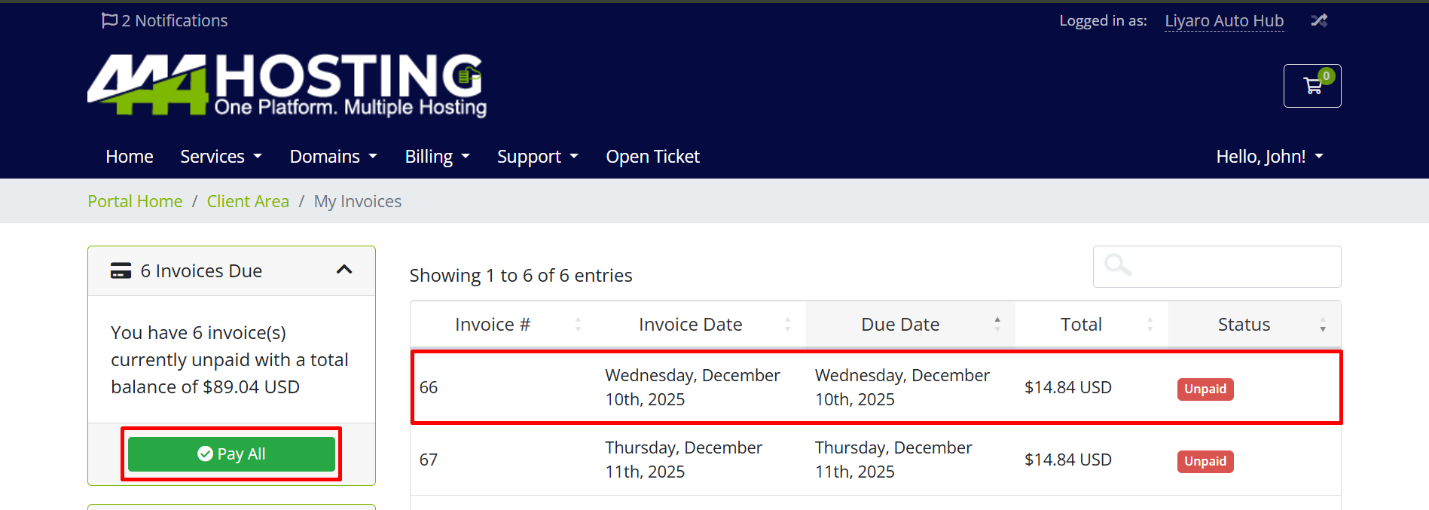
Step 04:
Select the payment method and the “pay now” button will appear.
Option 01: pay with credit/debit cards/link payment
Option 02: pay with paypal(Stripe)
(Secure Payments with International Stripe Payment Gateway)
Step 05:
Now you can use available payment options and proceed the payment.
- Online payments are accepted automatically by ServerClub Eco System.
- Related Service activation times depends on the Product and services. (Refer the Order Confirmation email.)
- If you faced any online payment gateway issues, reach us on available support methods. With payment proof screenshots or SMS alerts. (Call, Live Chat, or Email)