To upload a backup file to a backup storage within Plesk:
- First, you need to log in to your Plesk control panel.
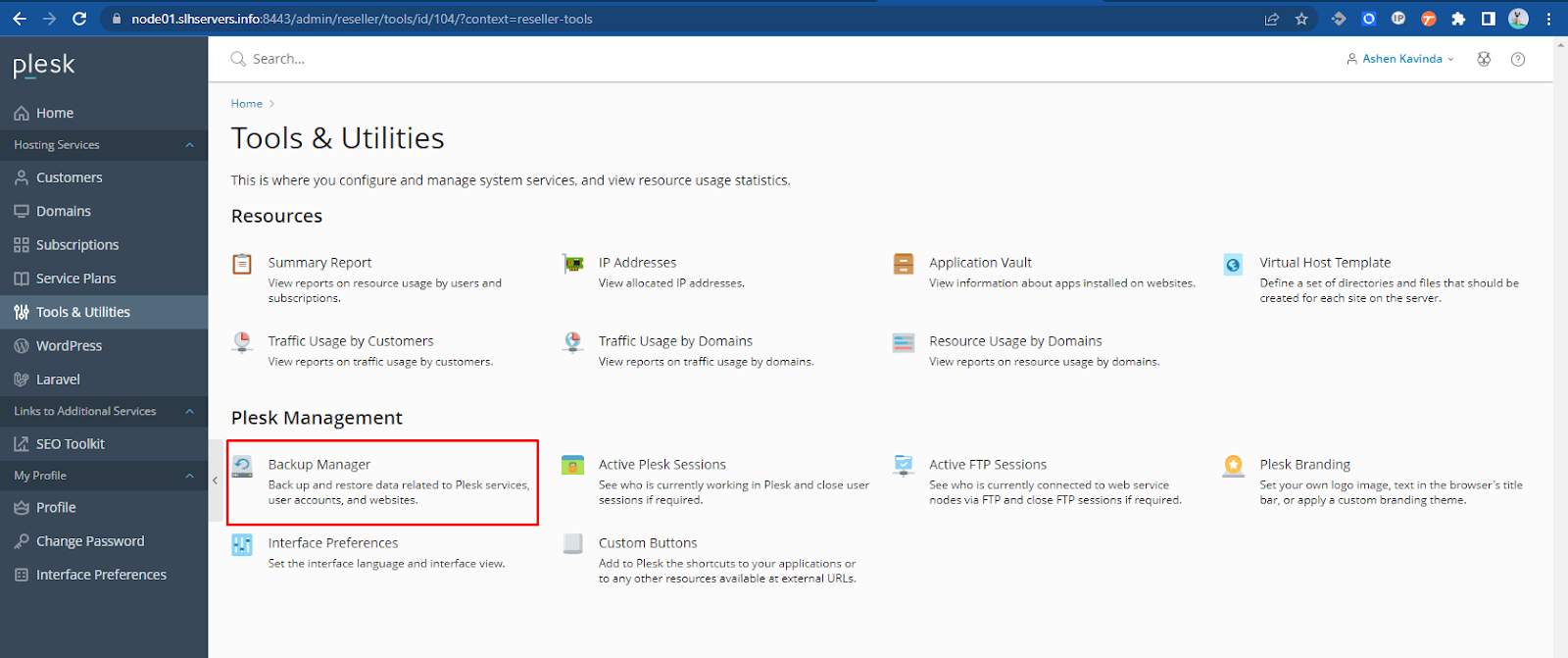
- Go to Tools & Utilities > Backup Manager.
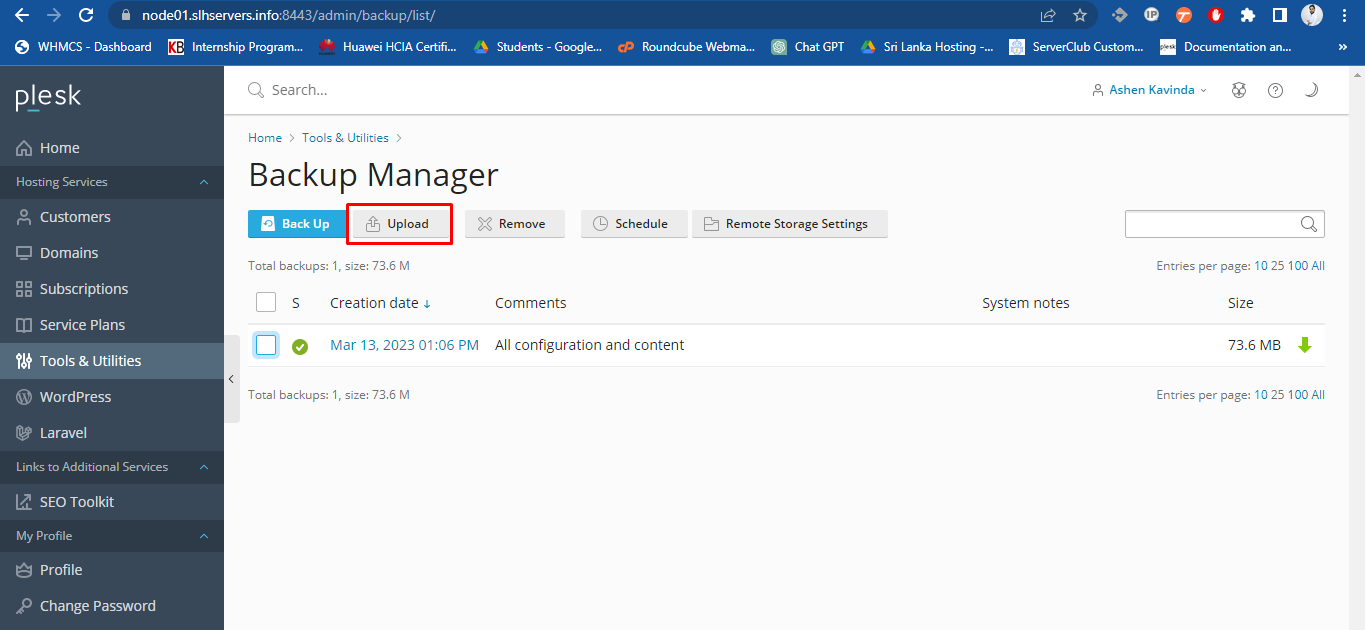
3. Click Upload.
4. Click Browse and select the required backup file.
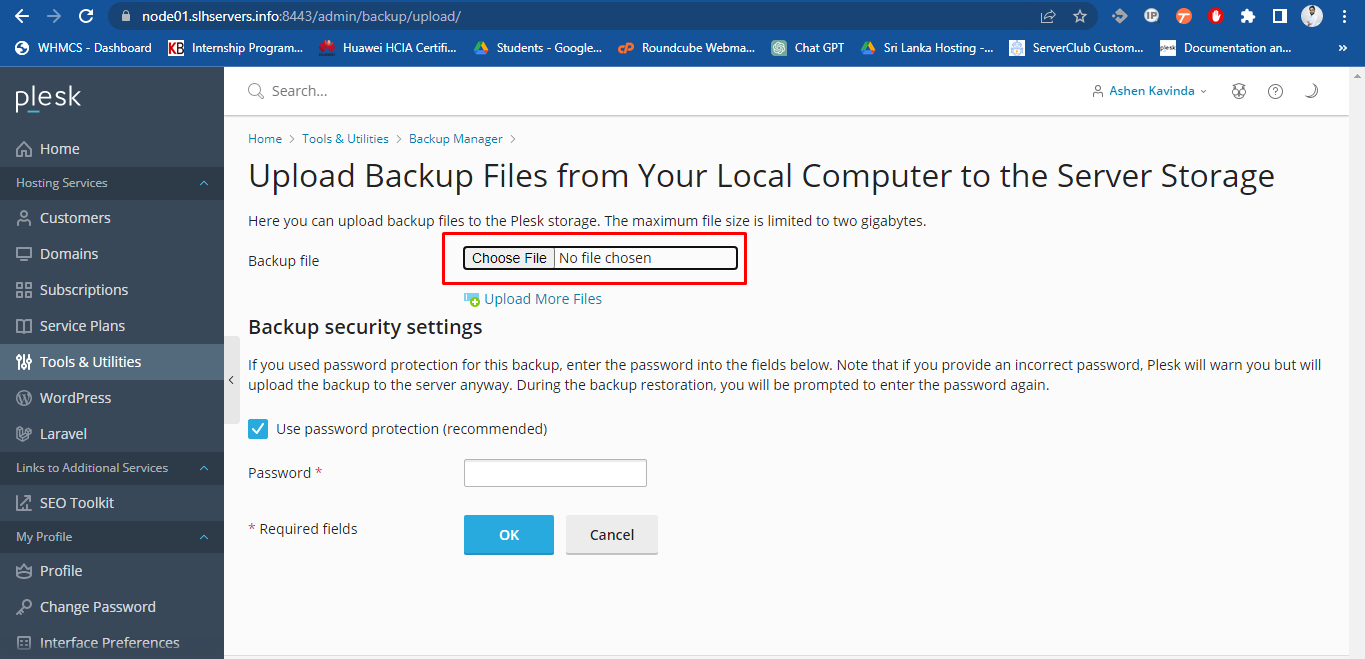
Note: Make sure you select the appropriate backup file format, which depends on the operating system on which Plesk is installed. On Linux/Unix systems, you should upload tar or zipped tar archives, and on Windows, ZIP archives.
4. Click Ok
5. The backup file will be uploaded to the backup storage.